Check the source first, then test playback through your phone to narrow down the problem.
Overview
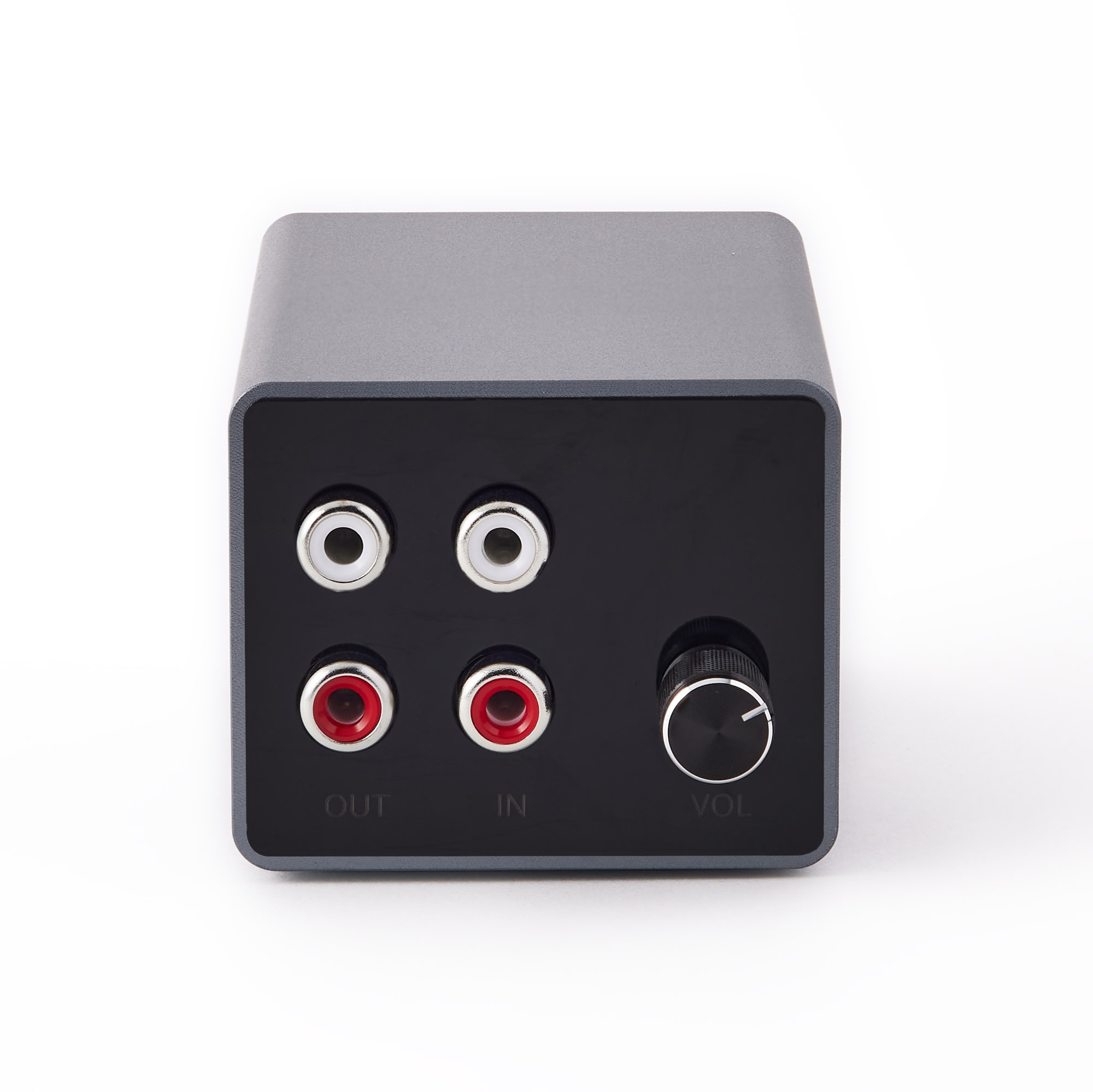
Audio source → A2D2 IN → Speaker
1. Check the input
- Make sure the record, CD or other source is playing.
- Check the cable goes to A2D2’s IN sockets.
- For a turntable, use LINE output or a phono preamp.
- If the source has a volume control, raise it carefully from a low level.
2. Try your phone
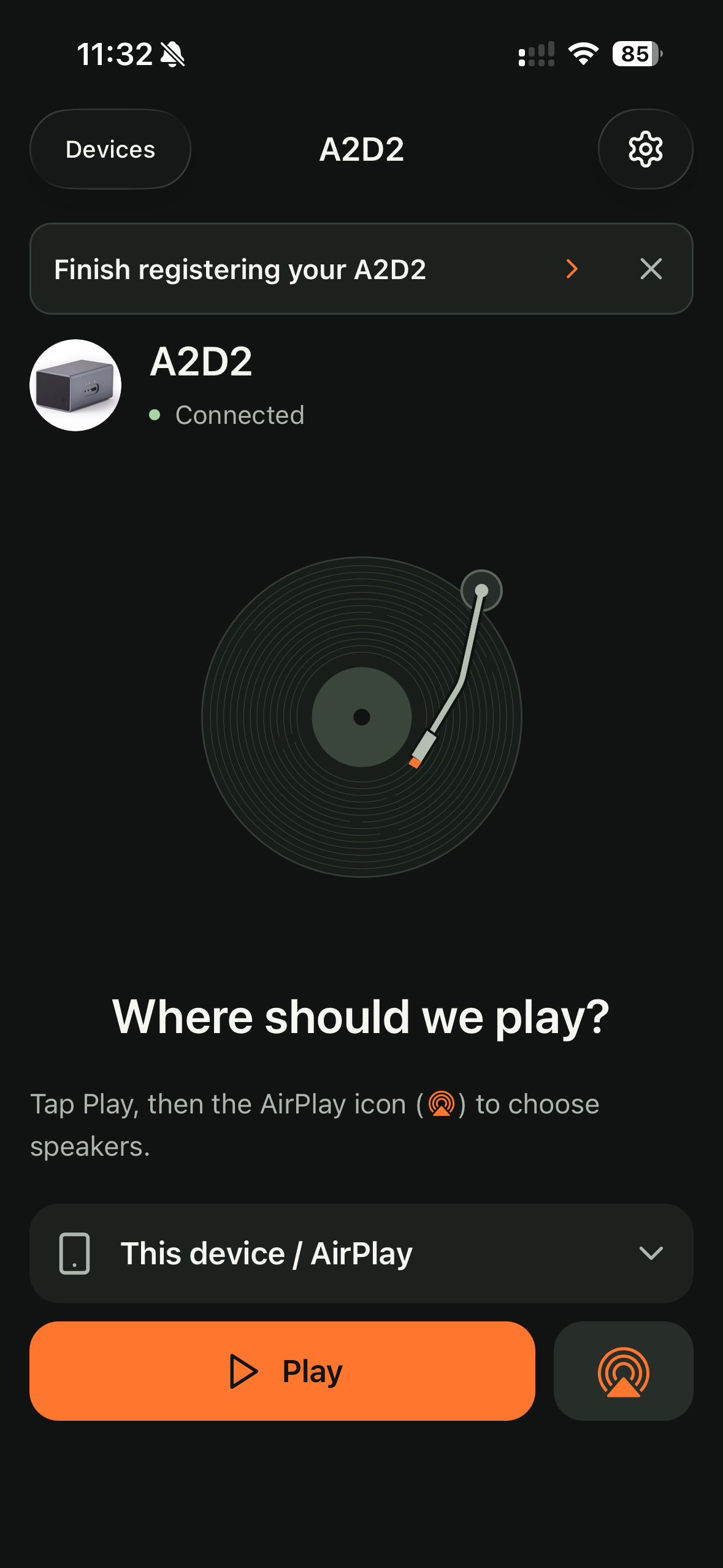
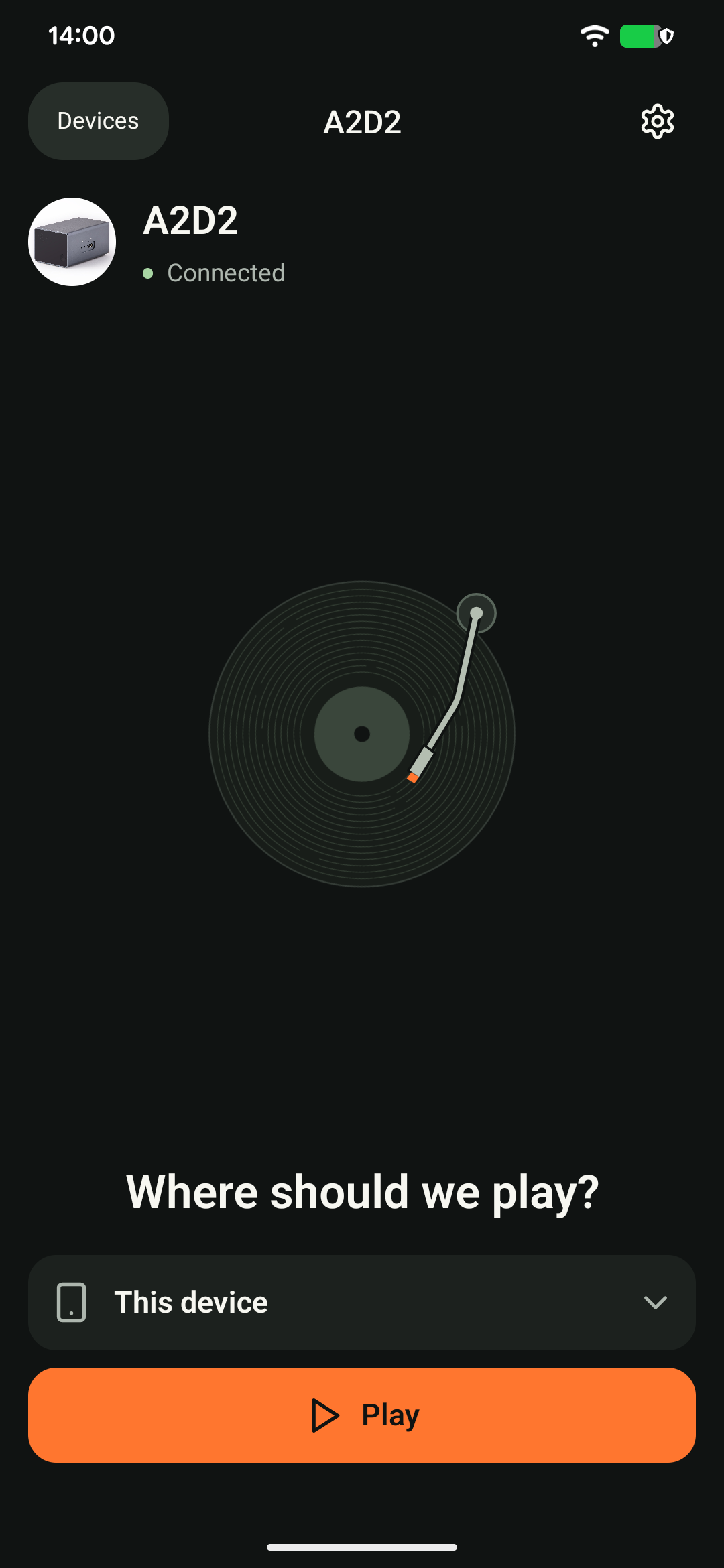
Choose Play to → This device on Android, or This device / AirPlay on iOS, then tap Play. On iOS, keep the output on the phone for this test. Raise the phone’s media volume and check it has not routed audio to connected headphones or another receiver.
You hear audio: the source and phone-streaming path are working. Next check the selected speaker, its mute and volume settings, and its connection.
You still hear nothing: this could be the input, the phone’s audio route, or the network connection to A2D2. It does not by itself prove a hardware fault.
3. Try the chosen speaker again
Check the speaker plays from its own app. Refresh the speaker list in A2D2, choose the destination and allow it time to start. If sound begins and then stops, note whether you opened another audio app, locked the phone or moved away.
Still stuck? Contact support with your phone model, app version, A2D2 software version, router or speaker model, and the exact message you see. Never send your Wi-Fi password.
The icon changed to Pause, but there is no sound
The icon is not proof that audible audio reached the speaker. Check source, input, mute and speaker volume, and whether that speaker works in its own app. Compare another A2D2 output if available. Avoid pressing Play repeatedly while the first request is pending.
Was this article helpful?
That’s Great!
Thank you for your feedback
Sorry! We couldn't be helpful
Thank you for your feedback
Feedback sent
We appreciate your effort and will try to fix the article