Keep your phone close to A2D2 and check both Bluetooth discovery and the setup Wi-Fi fallback.
Overview
Power → Wi-Fi → Play
- Use a suitable power supply and let A2D2 finish starting or resetting. Do not disconnect it during an update.
- Turn on your phone’s Bluetooth and allow the Bluetooth or Nearby devices access requested by A2D2.
- On Android, allow Location access and turn on Location if the app asks for them to scan Wi-Fi.
- Return to the setup screen and retry discovery.
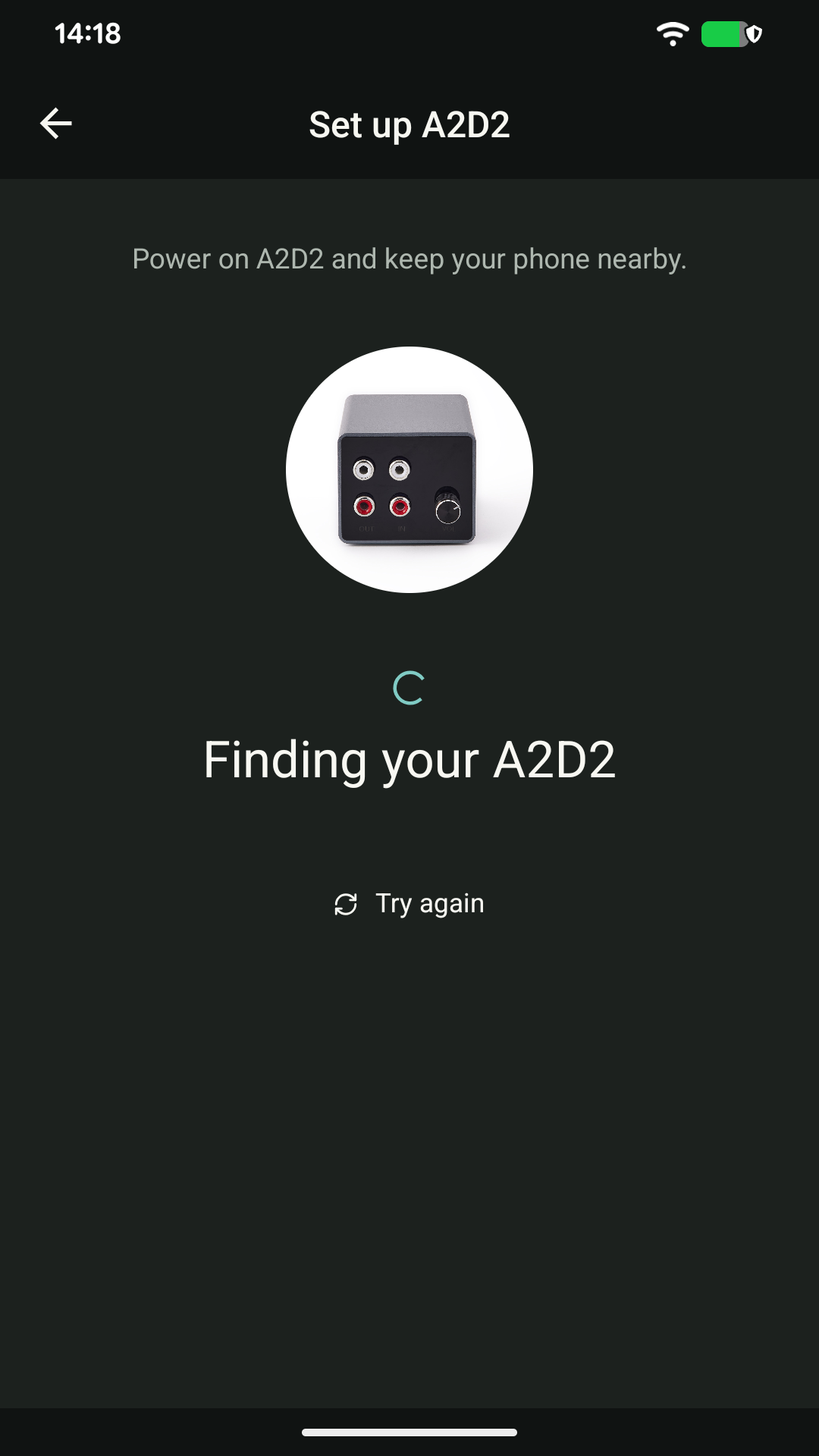
If Bluetooth finds nothing
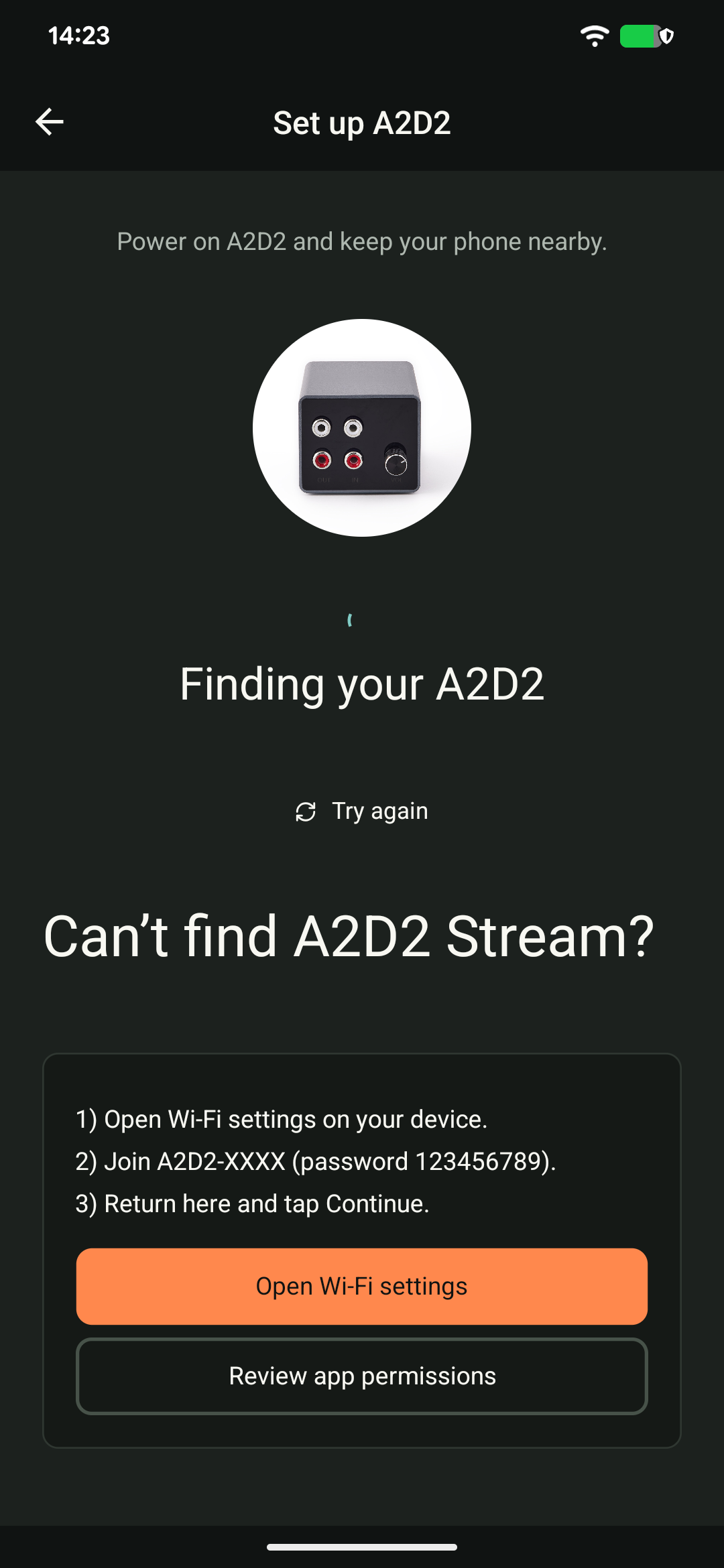
Open your phone’s Wi-Fi settings and look for an A2D2-XXXX setup network. If it is visible, follow the app’s Join setup Wi-Fi instructions and return to the app. A temporary “no internet” warning on this setup network is expected.
If the app offers no working fallback, tell support whether the setup Wi-Fi network is visible. This helps distinguish a Bluetooth-discovery problem from a device that has not started.
Still nothing?
Once you are sure no update is running, try one normal power restart, then repeat discovery. Avoid repeated factory resets. A reflash should be a support-led recovery step, not the first response to a missing setup prompt.
Still stuck? Contact support with your phone model, app version, A2D2 software version, router or speaker model, and the exact message you see. Never send your Wi-Fi password.
Was this article helpful?
That’s Great!
Thank you for your feedback
Sorry! We couldn't be helpful
Thank you for your feedback
Feedback sent
We appreciate your effort and will try to fix the article