Check whether A2D2 joined the network before repeating setup.
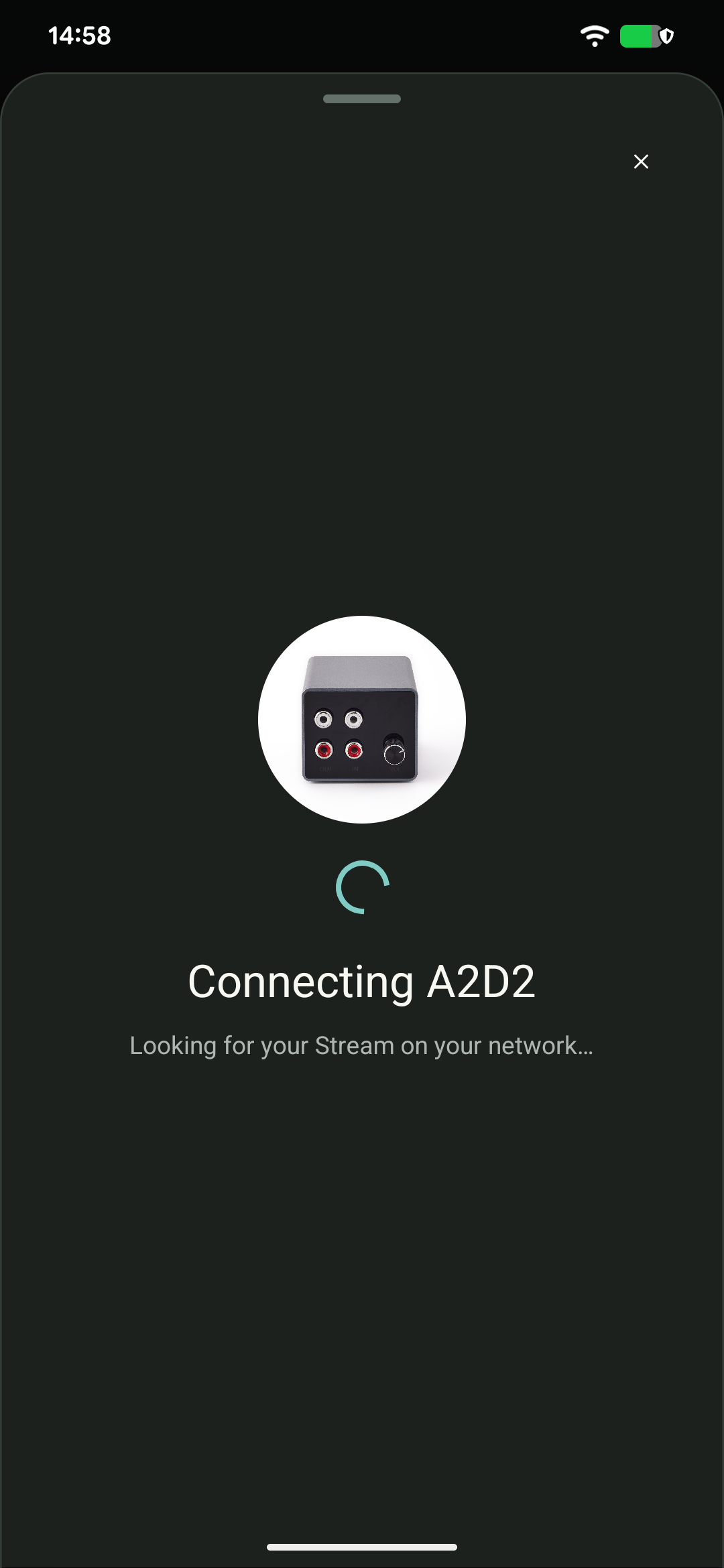
- Reconnect your phone to your home Wi-Fi and refresh Devices. Check your router’s connected-device list too: setup can lose contact while A2D2 changes networks.
- If A2D2 has not joined, check the network name and password, including capital letters and accidental spaces. The network must offer 2.4 GHz.
- Try setup nearer the main access point. If possible, connect A2D2 to the main router by Ethernet to check reachability and install an offered update.
If it still fails, send support the router model, security mode, app/firmware versions and exact error. Do not send the password or repeatedly factory-reset the unit.
Was this article helpful?
That’s Great!
Thank you for your feedback
Sorry! We couldn't be helpful
Thank you for your feedback
Feedback sent
We appreciate your effort and will try to fix the article