My Wi-Fi network is not listed

Modified on Fri, 25 Sep at 10:42 AM

A missing network can be caused by its band, signal, hidden name or channel.

  1. Check that your router broadcasts 2.4 GHz. A combined 2.4/5 GHz network name is normally fine.
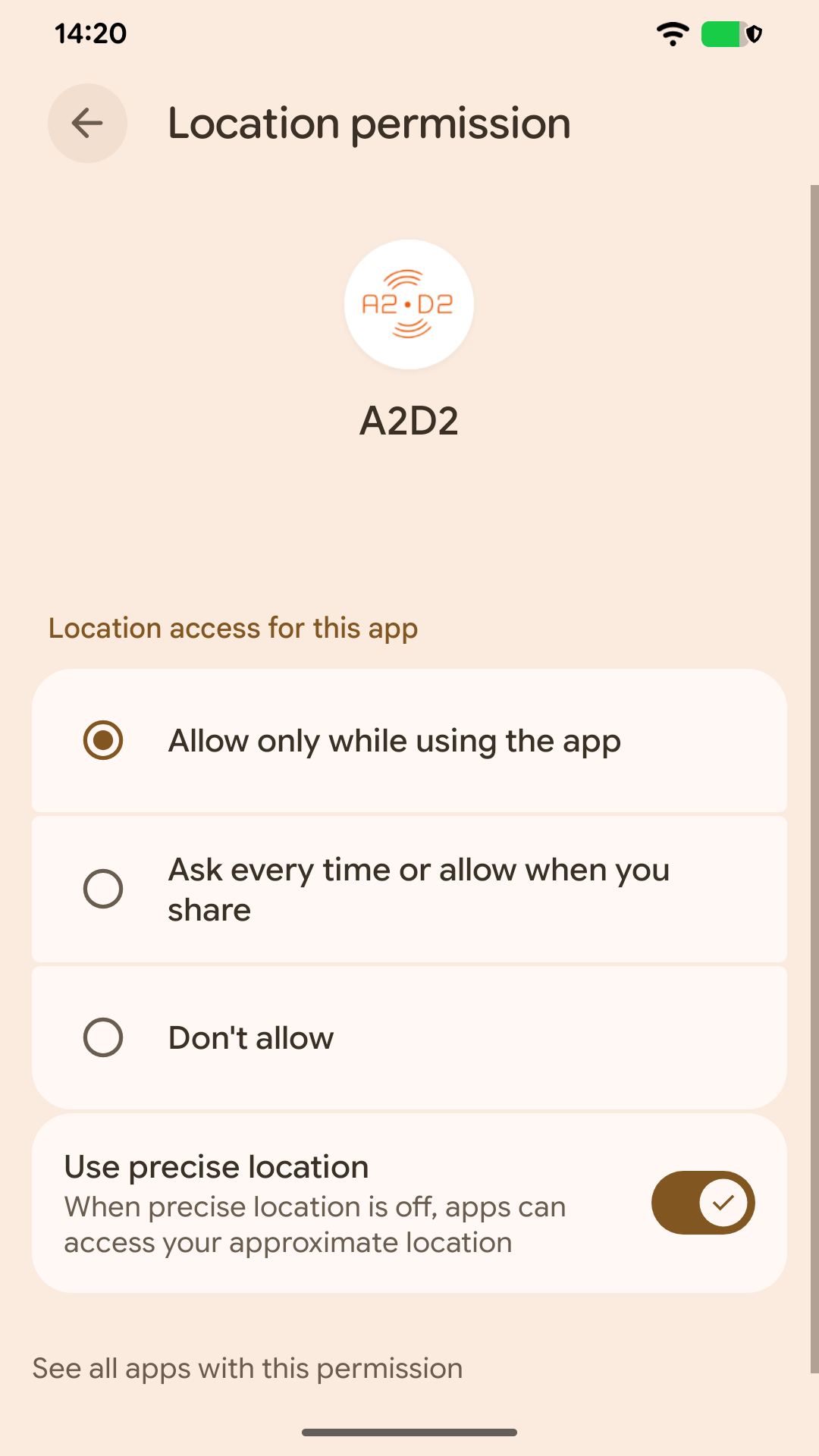
  2. Move A2D2 nearer the router and refresh the scan. If the app asks for Android Wi-Fi or Location access, allow it and enable Location for scanning.
  3. If the network name is hidden, temporarily broadcast it for setup. The app has manual name entry, but support for a hidden network should be checked for your firmware before hiding it again.
  4. If you can reach A2D2, check Settings → Wi-Fi country and use its actual country. Follow any restart instruction.
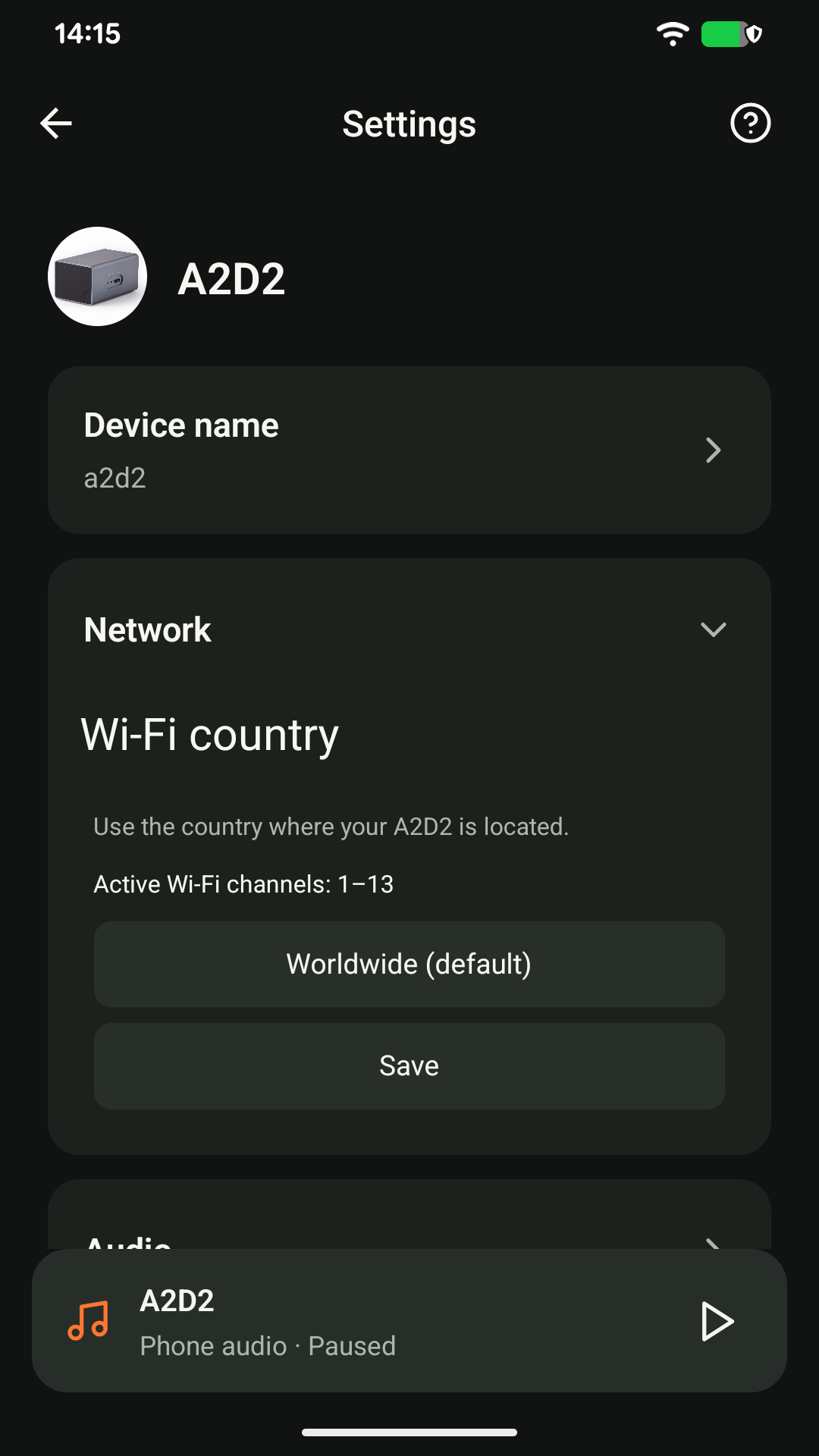
Settings → Network shows Wi-Fi country and active channels. Choose the country where A2D2 is located.
When Android requests Location for setup scanning, allow it while using the app. Menu wording varies by Android version.
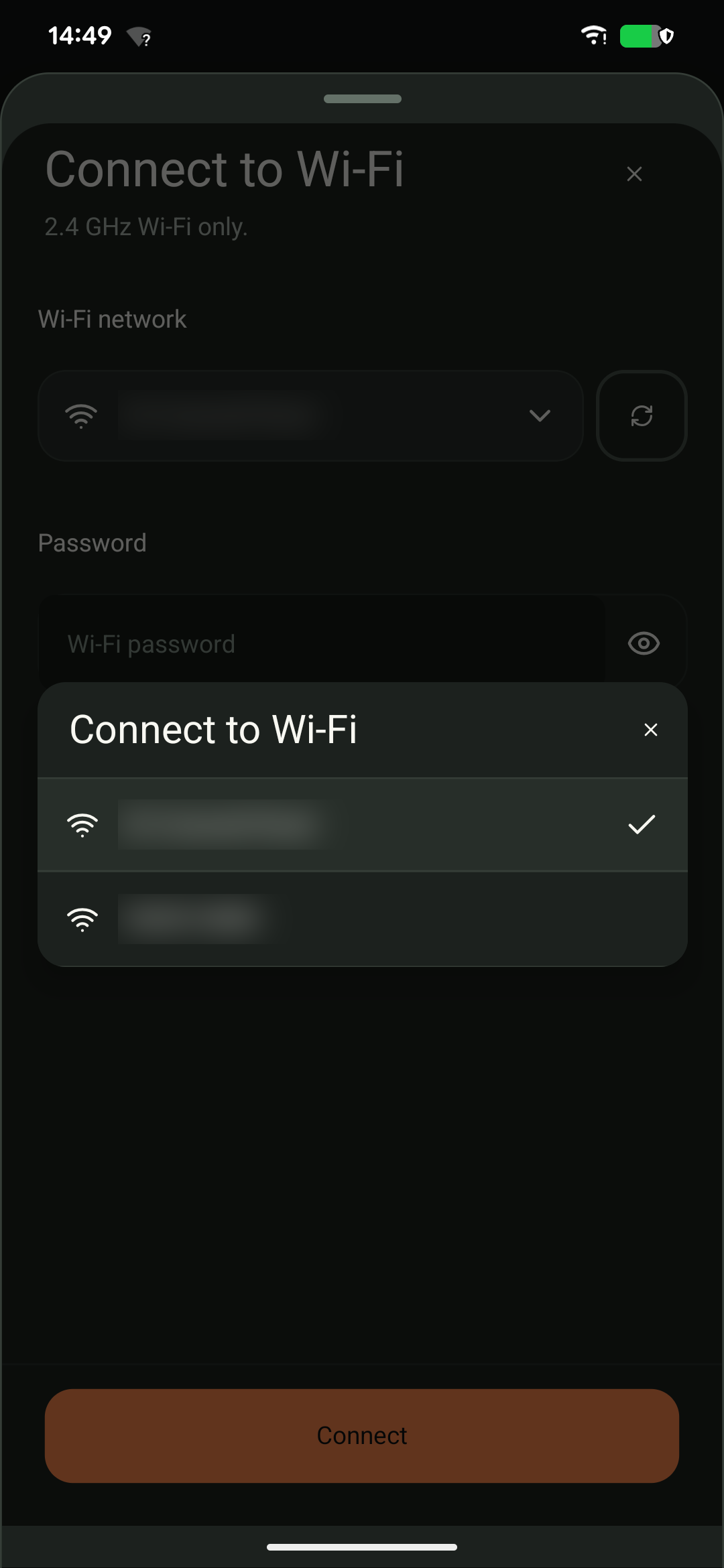
Choose your home Wi-Fi network. Network names are blurred in this example.
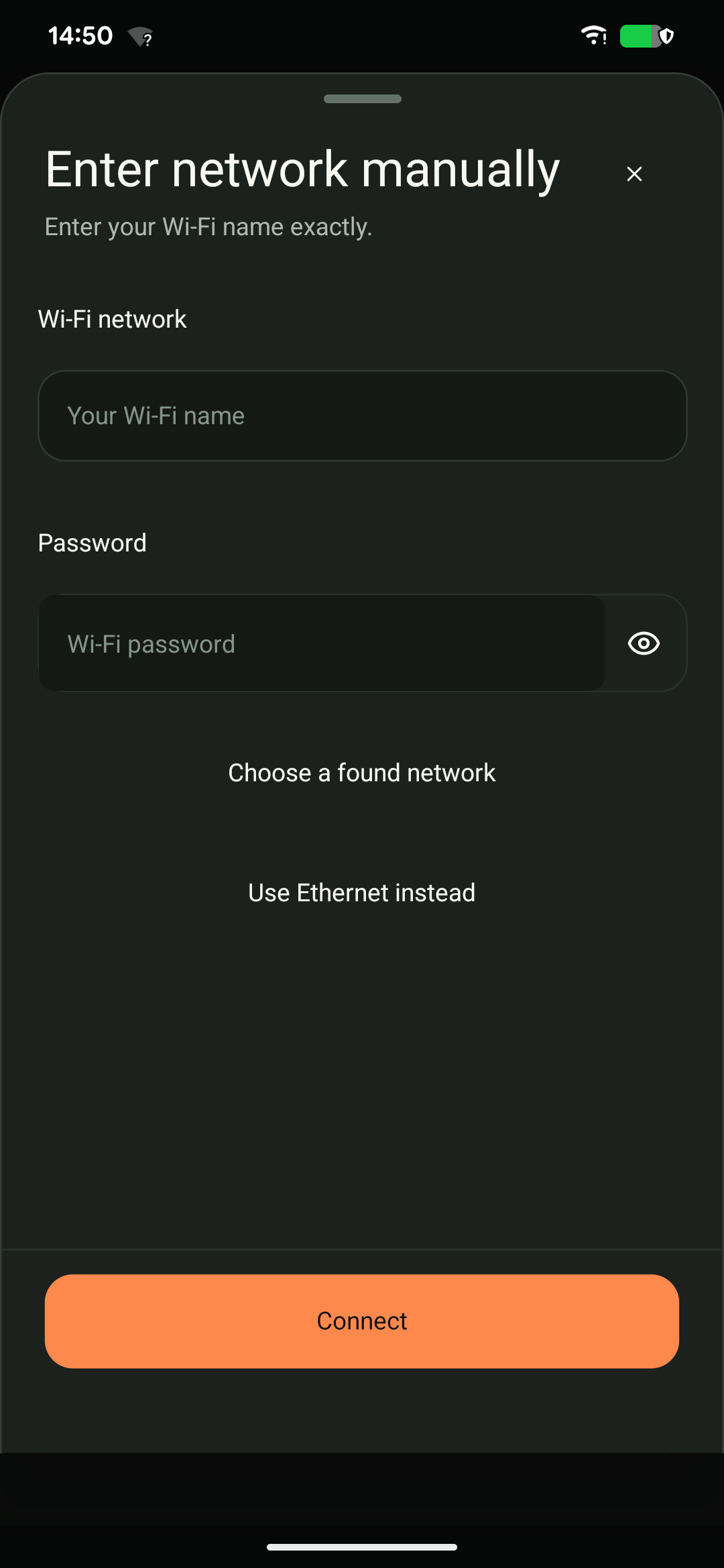
Enter network manually: type your Wi-Fi name exactly and enter its password. Choose a found network returns to network scanning.

If your router uses channel 12 or 13 and the network stays missing, tell support the channel and country. Ethernet can provide access for checking settings; do not select a false country to unlock channels.

Was this article helpful?

That’s Great!

Thank you for your feedback

Sorry! We couldn't be helpful

Thank you for your feedback

Let us know how can we improve this article!

Select at least one of the reasons
CAPTCHA verification is required.

Feedback sent

We appreciate your effort and will try to fix the article