Listen through a compatible HEOS speaker, receiver or room group.
Overview
Audio source → A2D2 → Speaker
- Set up the player in the HEOS app and connect it to the same local network as A2D2.
- Start your music source.
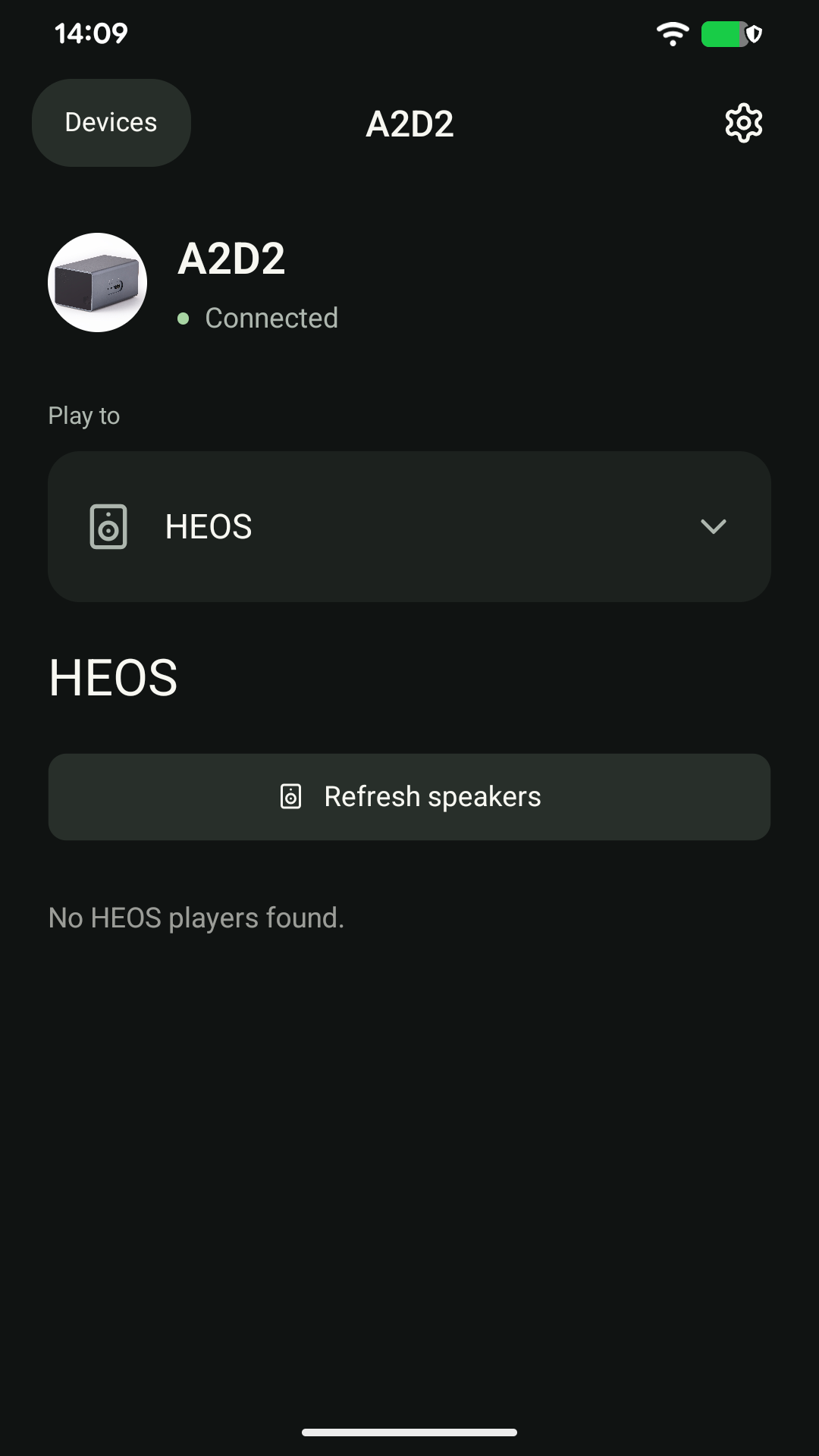
- Choose Play to → HEOS in A2D2, then tap Play for the player you want.
- Use its volume control to adjust the level.
Grouped rooms
Manage room grouping in the HEOS app, then return to A2D2 and tap Refresh speakers. Use the player or group presented by your HEOS system.
A player is missing or silent
First check that it works in the HEOS app. Refresh the A2D2 list, check the player’s volume and mute state, and make sure it is not isolated on a guest network.
Supported formats and grouping depend on the HEOS model. We do not infer A2D2’s actual stream format from the receiver’s maximum specification.
Still stuck? Contact support with your phone model, app version, A2D2 software version, router or speaker model, and the exact message you see. Never send your Wi-Fi password.
A stereo pair will not start
Give A2D2 and the HEOS players time to finish starting, then refresh and retry. Check that the pair plays in HEOS. If the exact models also support AirPlay, try the pair there as an alternative. Once HEOS playback starts, the phone is a controller and can leave the audio path.
Was this article helpful?
That’s Great!
Thank you for your feedback
Sorry! We couldn't be helpful
Thank you for your feedback
Feedback sent
We appreciate your effort and will try to fix the article