Choose a supported group within one speaker system.
- Sonos, Chromecast or HEOS: create the group in that system’s app, then refresh speakers in A2D2 and select the supported destination.
- iPhone/iPad AirPlay 2: use This device / AirPlay and select compatible speakers in Apple’s picker. Follow the AirPlay guide; the phone remains in the audio path.
- Direct AirPlay: works on Android and iOS, but targets one receiver rather than creating an AirPlay 2 group.
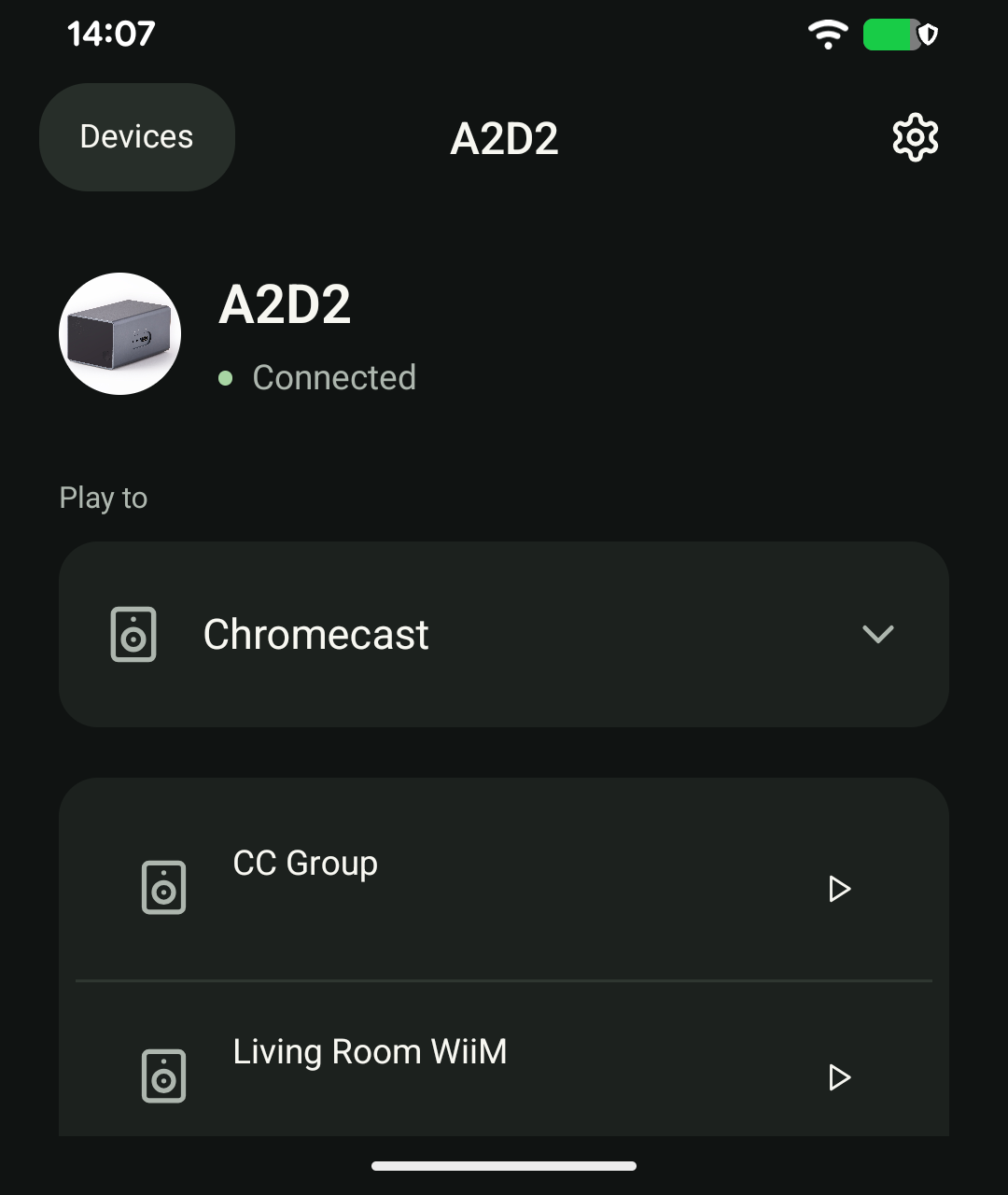
Do not expect a synchronised group across different systems or between wired and wireless outputs. Alexa and Bluetooth are single-destination routes in the supported app workflow.
Was this article helpful?
That’s Great!
Thank you for your feedback
Sorry! We couldn't be helpful
Thank you for your feedback
Feedback sent
We appreciate your effort and will try to fix the article