Choose This device to hear your source on your phone or its connected headphones.
Overview
Audio source → A2D2 → Phone → Speaker
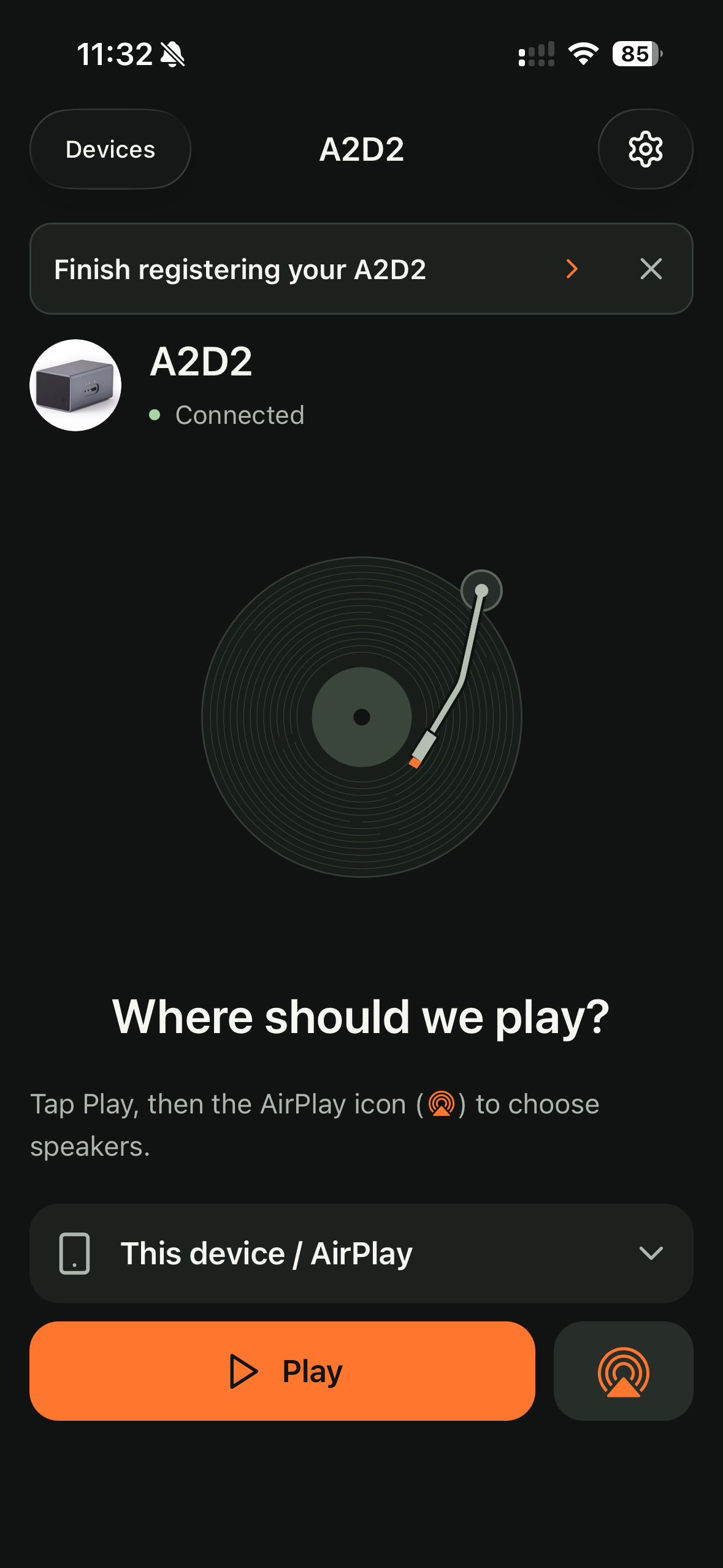
- Start the source connected to A2D2.
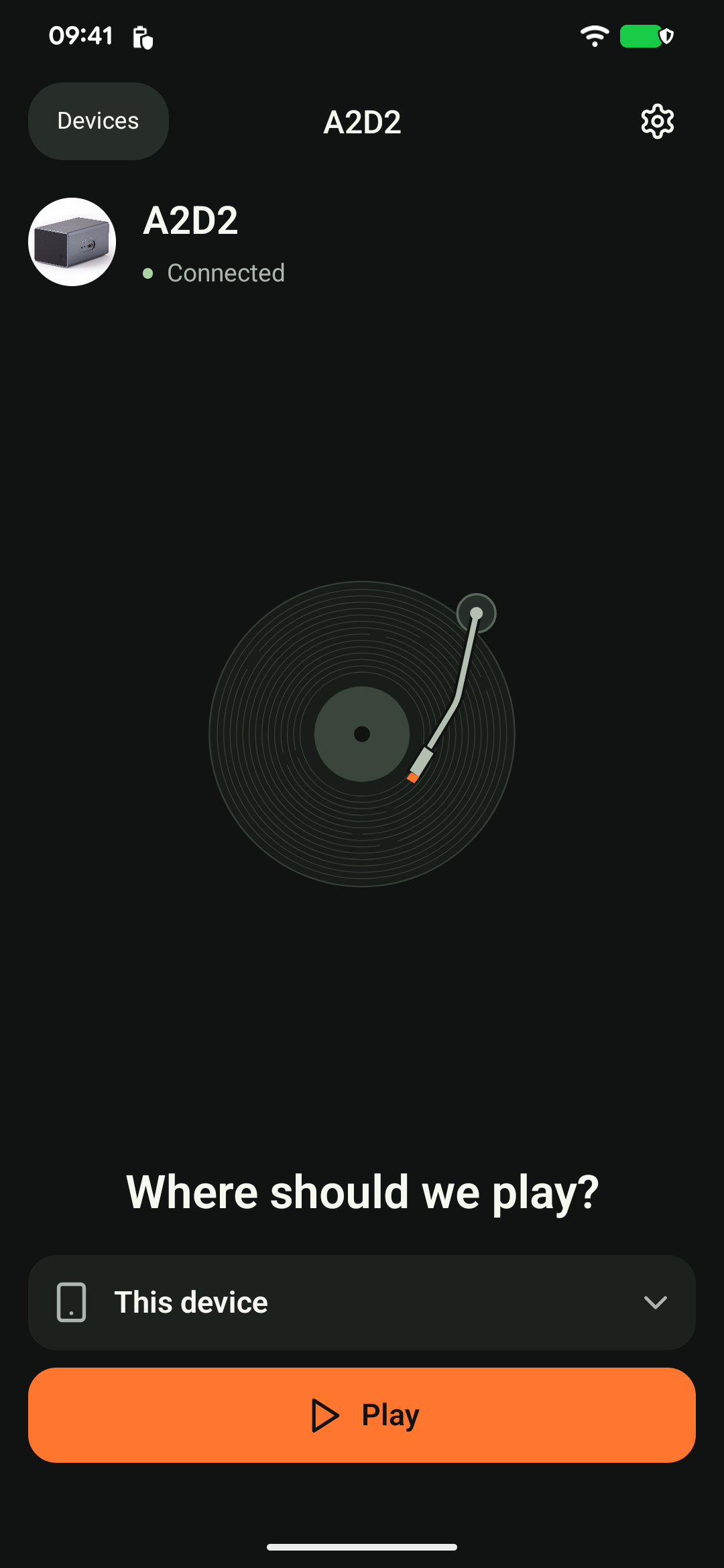
- Tap Play to → This device on Android, or This device / AirPlay on iOS.
- Tap Play and adjust your phone’s media volume.
Use another app or lock the screen
You can continue listening with A2D2 in the background. Keep your phone connected to the home network and avoid force-closing the app. Leaving the device screen inside A2D2 should not end local playback.
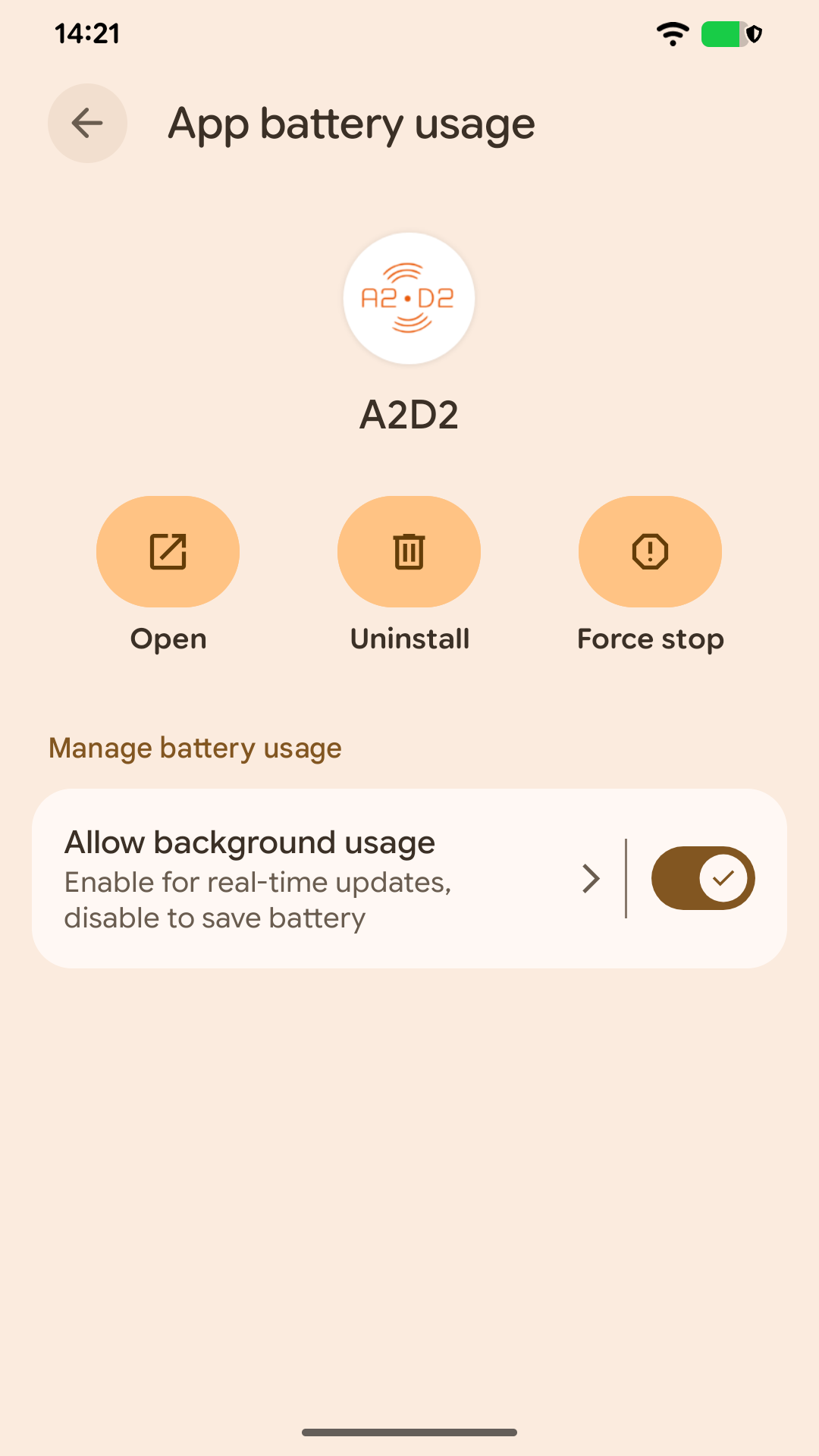
On Android, playback uses a background media service. If it stops when the screen locks, check whether your phone has restricted A2D2’s background activity. The setting’s name varies by manufacturer.
Other apps can interrupt audio
Calls and apps that take over phone audio can pause playback. On iOS, Settings → Audio → Play alongside other apps can allow mixing, but calls can still interrupt and lock-screen controls may be unavailable.
Leave that option off for AirPlay 2 multi-room. See the AirPlay guide for the difference between phone-based AirPlay and Direct AirPlay.
Still stuck? Contact support with your phone model, app version, A2D2 software version, router or speaker model, and the exact message you see. Never send your Wi-Fi password.
Was this article helpful?
That’s Great!
Thank you for your feedback
Sorry! We couldn't be helpful
Thank you for your feedback
Feedback sent
We appreciate your effort and will try to fix the article