A short startup delay can be normal. Repeated interruptions need a different check.
Overview
A2D2 → Home network → Phone
Does it happen only through the phone?
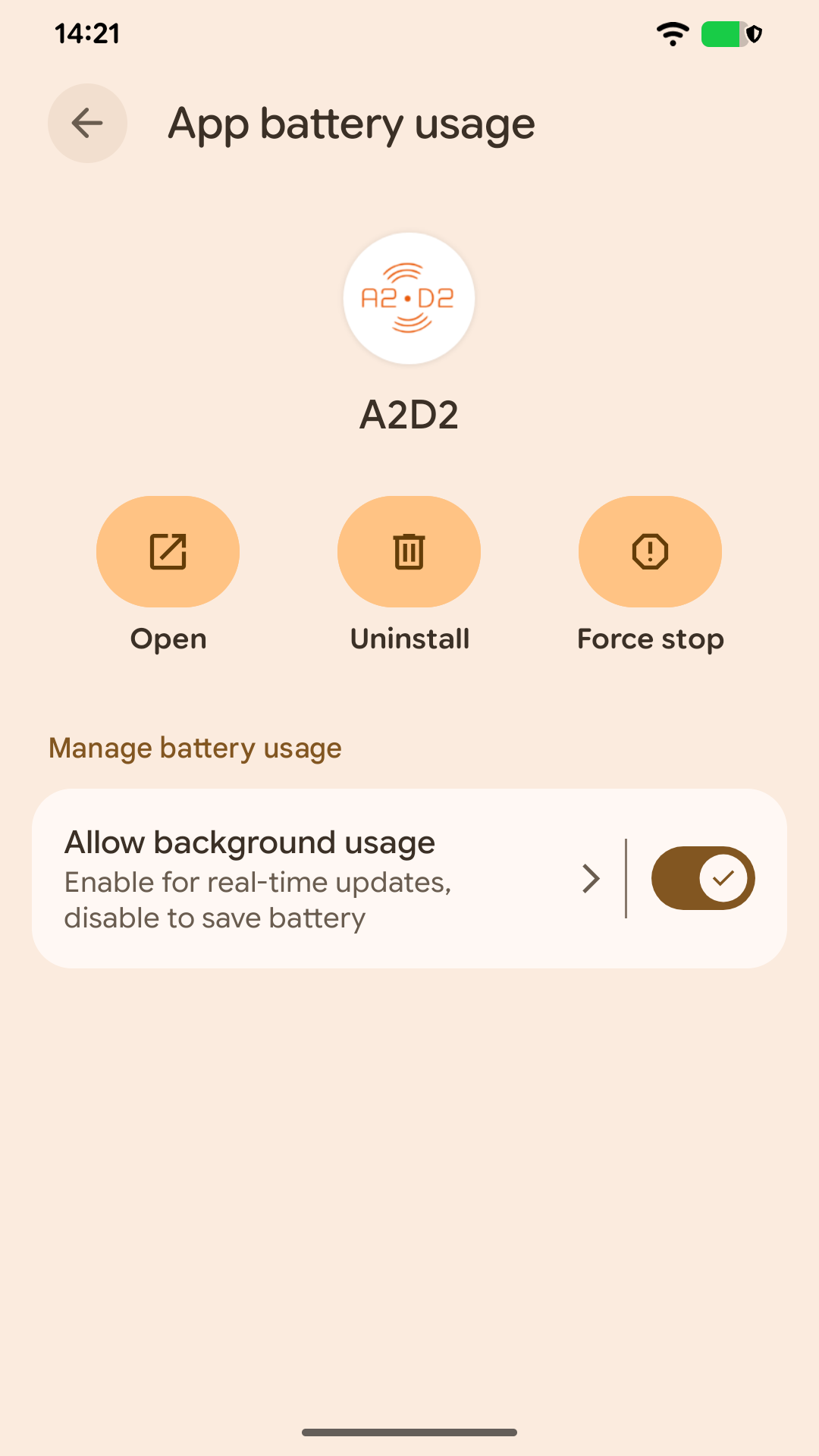
If playback stops when another app opens or the screen locks, check phone audio interruptions and background restrictions first. Keep the phone on the same network when using This device or iOS AirPlay 2.
Does it happen on network speakers?
Test one speaker near the router, then compare with the usual group. Check whether that speaker also drops out in its own app. If possible, try A2D2 on Ethernet to separate Wi-Fi problems from the audio source.
Does it happen on Bluetooth?
Keep the headphones or speaker near A2D2, not just near the phone. Move metal obstructions out of the signal path.
Delay without dropouts
Receivers buffer audio and their delays vary. Use native speaker groups for synchronised rooms; unrelated playback ecosystems and A2D2’s wired passthrough are not automatically synchronised.
Still stuck? Contact support with your phone model, app version, A2D2 software version, router or speaker model, and the exact message you see. Never send your Wi-Fi password.
Was this article helpful?
That’s Great!
Thank you for your feedback
Sorry! We couldn't be helpful
Thank you for your feedback
Feedback sent
We appreciate your effort and will try to fix the article