Setup and local-network discovery use different phone permissions.
iPhone/iPad: find A2D2 in Settings → Apps, or search Settings for A2D2. Allow Bluetooth and Local Network. Local Network also appears under Privacy & Security. Menu locations vary with iOS.
Android: open Settings → Apps → A2D2 → Permissions. Allow Nearby devices when requested. Wi-Fi scanning in the current setup flow can also require Location permission and Location services; older Android versions use Location for Bluetooth discovery too.
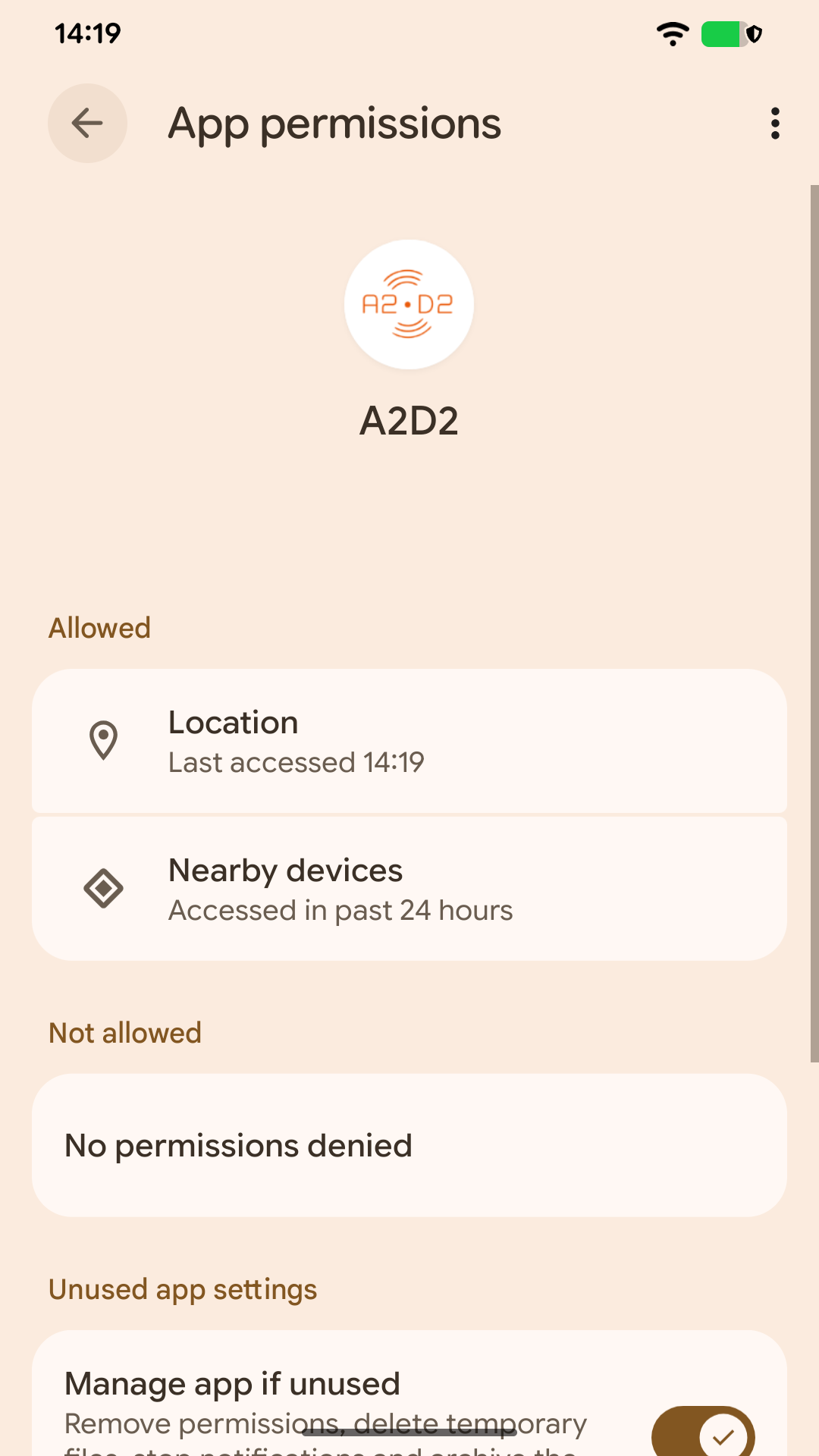
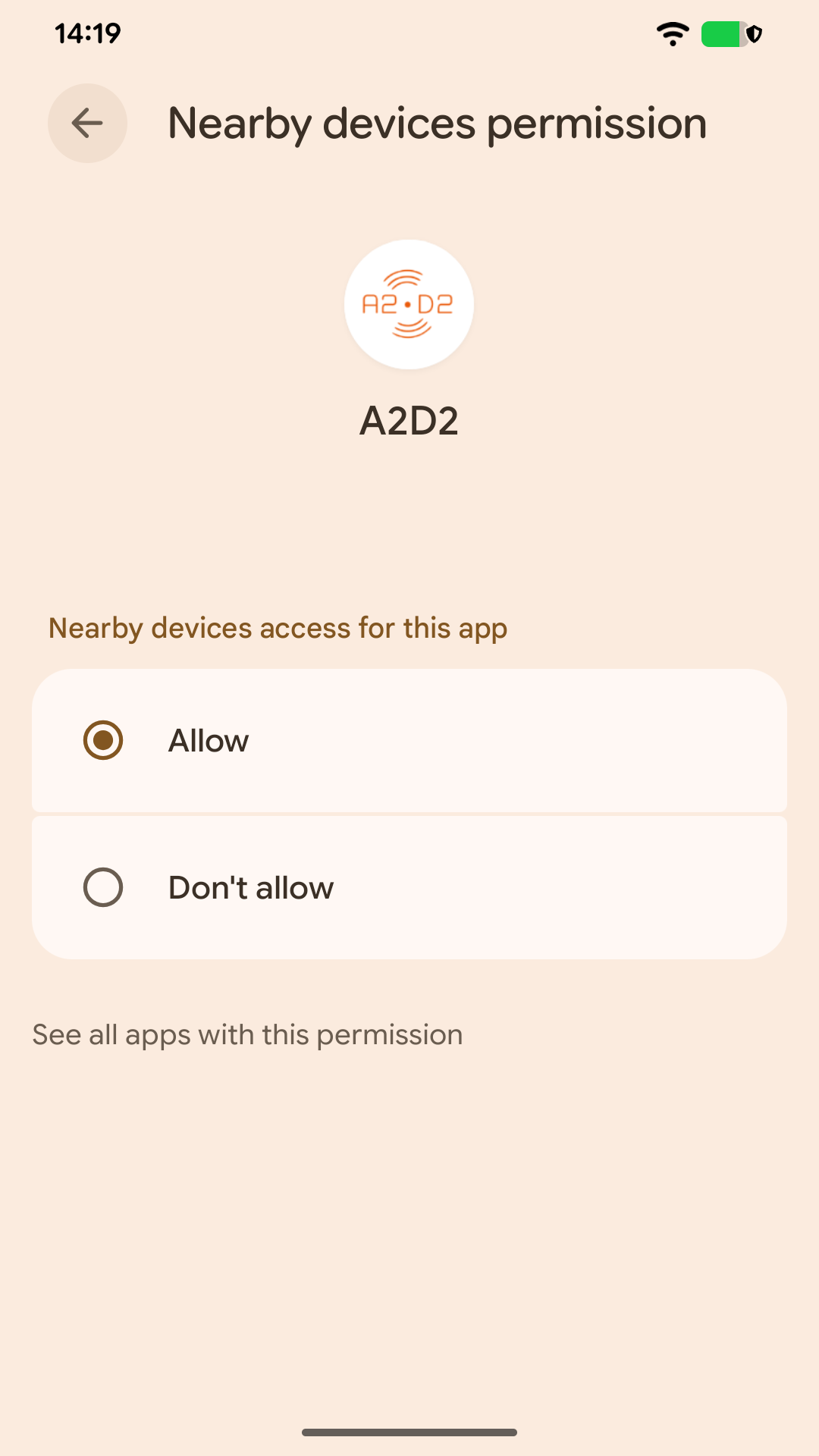
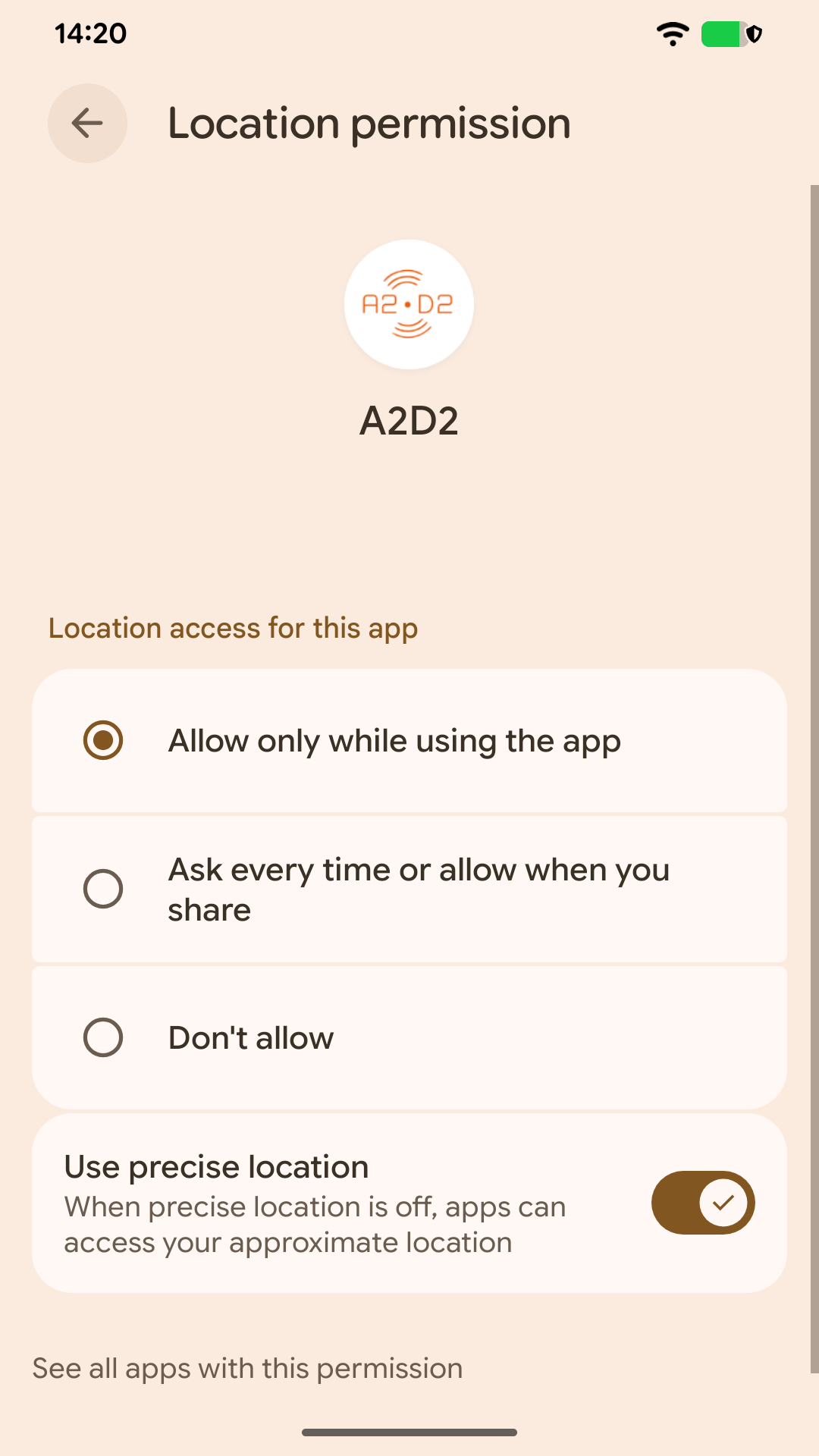
Return to A2D2 and retry setup or refresh Devices. You do not need to pair A2D2 in the phone’s Bluetooth settings. If permissions are controlled by an employer or family policy, ask the administrator rather than bypassing that restriction.
Was this article helpful?
That’s Great!
Thank you for your feedback
Sorry! We couldn't be helpful
Thank you for your feedback
Feedback sent
We appreciate your effort and will try to fix the article