A local-name lookup failure does not necessarily mean A2D2 is offline.
- Connect A2D2 by Ethernet to the main router and keep the computer on the same local network. Leave A2D2 powered through USB-C.
- Try
http://a2d2.local:8080. If A2D2 has been renamed, the default hostname may no longer apply. - Find its current IP in the app’s Settings or the router’s client list. Try
http://192.168.1.50:8080, replacing the example address with the actual one. - If a VPN blocks local access, allow the local network or briefly disconnect it to test, then restore it.
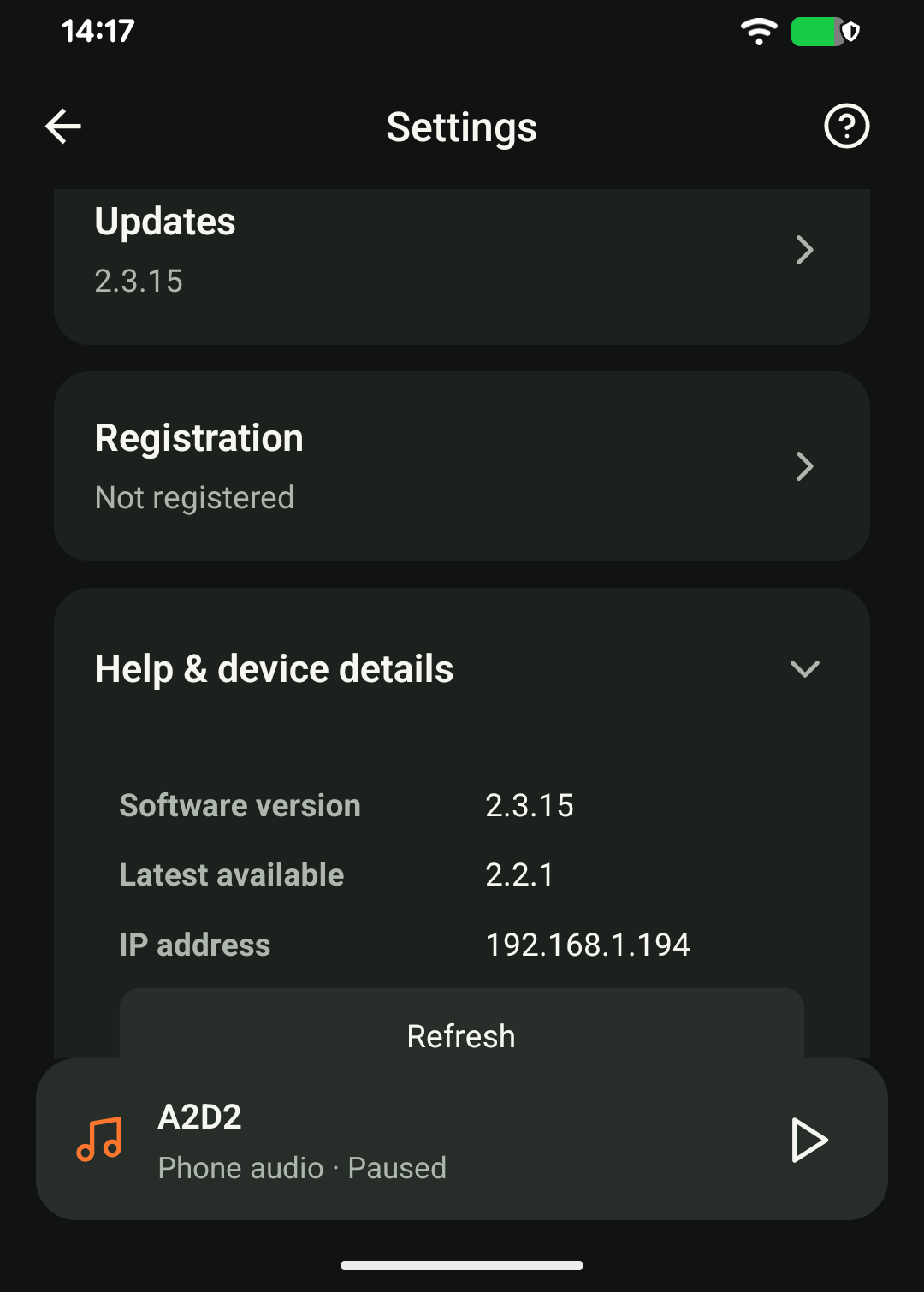
If the IP page also fails, tell support whether the app can open the device. Do not open the update port to the internet. Once reachable, follow the update guide; do not infer completion from the light alone.
Was this article helpful?
That’s Great!
Thank you for your feedback
Sorry! We couldn't be helpful
Thank you for your feedback
Feedback sent
We appreciate your effort and will try to fix the article