The Stream’s firmware and the phone app have separate version numbers.
- Open your A2D2 in the app. If you have several units, choose the correct one using Devices.
- Open Settings → Software version and note the installed version. Older app versions may call this section Updates.
- When contacting support, also give the app version and phone model. Do not confuse an available update with the version already installed.
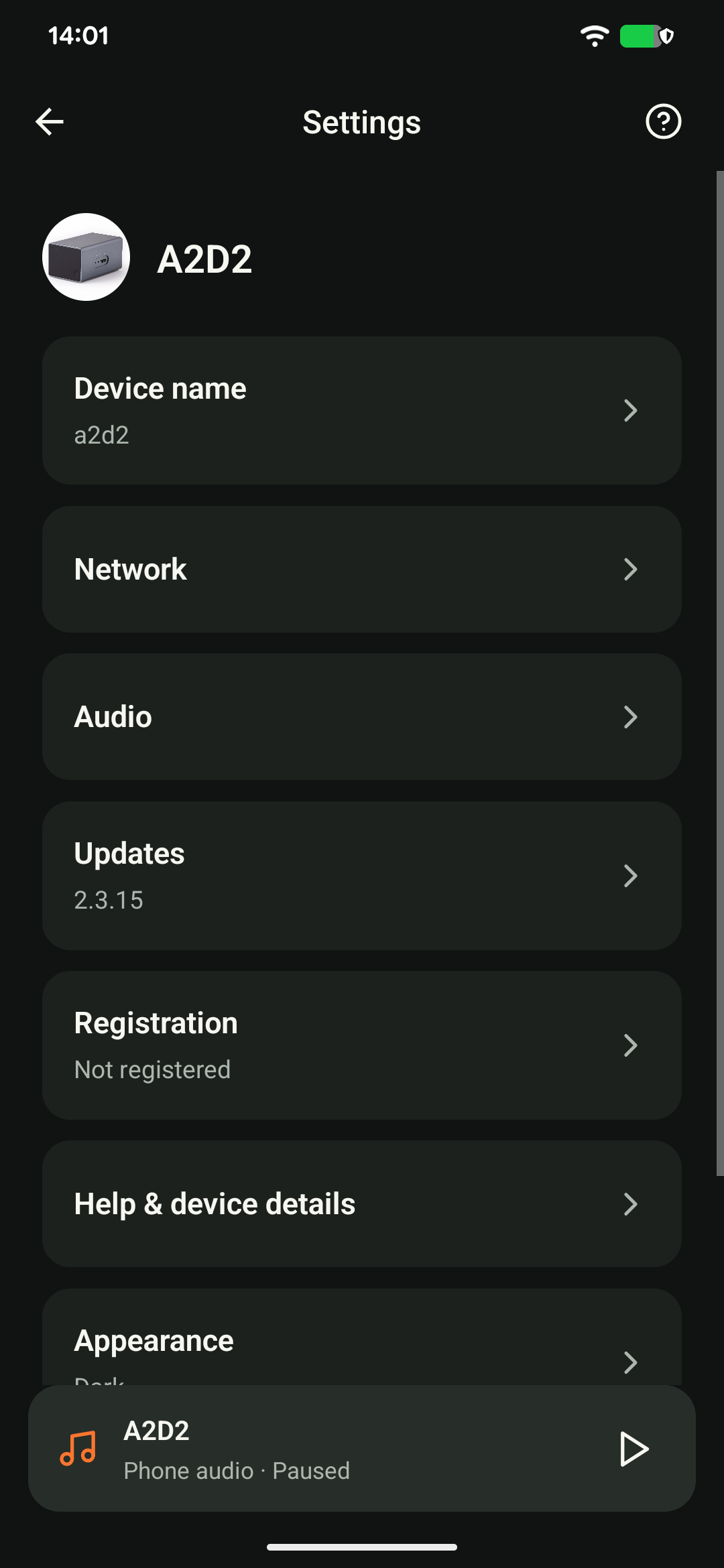
If the device will not open, report its last known version as unconfirmed rather than assuming the update installed successfully.
Was this article helpful?
That’s Great!
Thank you for your feedback
Sorry! We couldn't be helpful
Thank you for your feedback
Feedback sent
We appreciate your effort and will try to fix the article