Registration records ownership and helps us support your device.
Overview
Email → Confirm → Registered
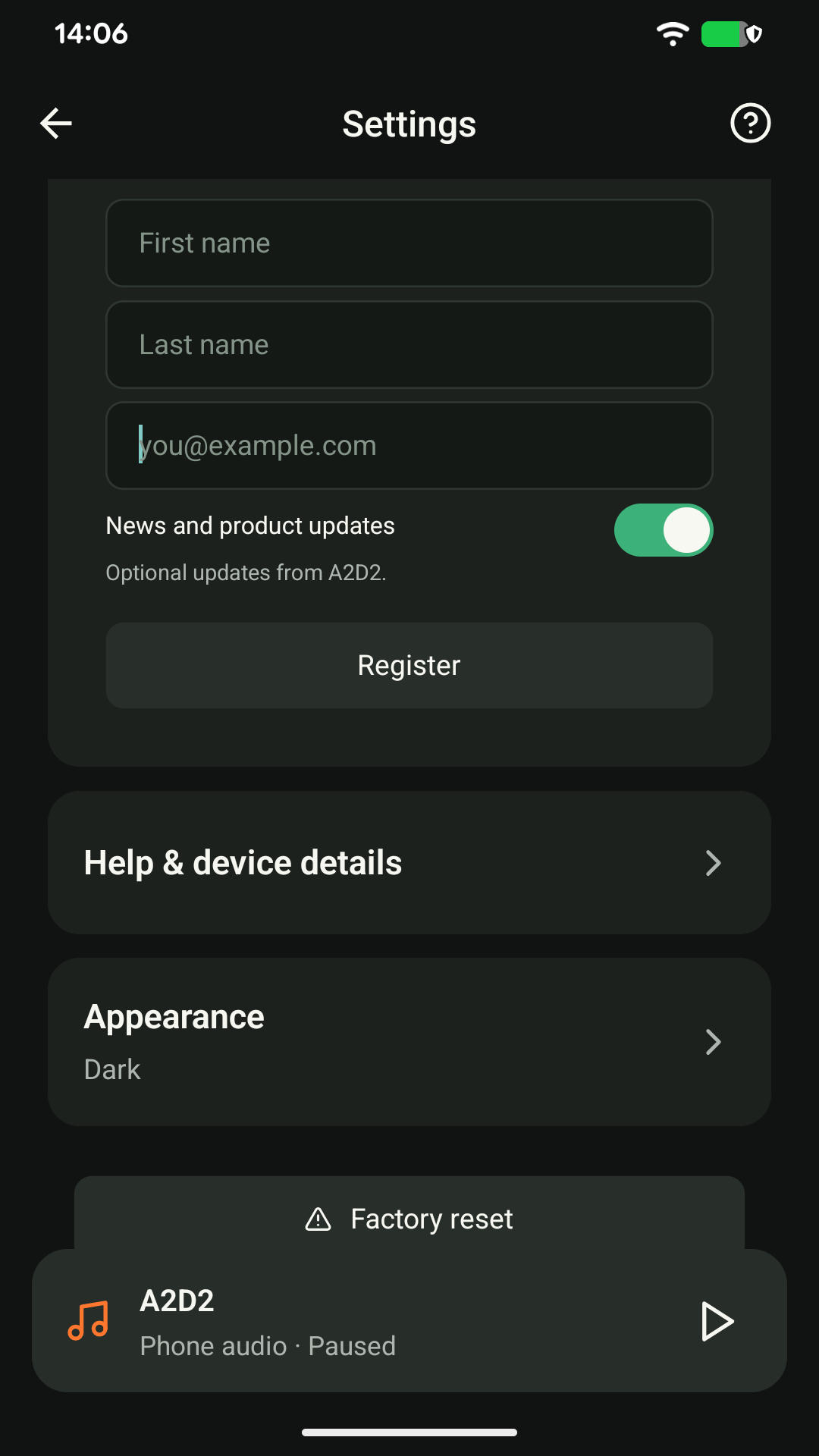
- Open your A2D2 and choose Settings → Registration.
- Enter your first name, last name and email address, then tap Register.
- Open the verification email and confirm your address.
News and product updates are optional. A registration or email-confirmation reminder can be dismissed from the device screen; you can finish later in Settings.
No email?
Check your spam folder and the address shown in Registration. Use Resend email if needed. If you entered the wrong address and registration is still pending, cancel the pending registration and register again with the correct address.
Already registered to someone else?
Contact support to transfer ownership. A factory reset should not be used as a registration-transfer method.
Still stuck? Contact support with your phone model, app version, A2D2 software version, router or speaker model, and the exact message you see. Never send your Wi-Fi password.
Was this article helpful?
That’s Great!
Thank you for your feedback
Sorry! We couldn't be helpful
Thank you for your feedback
Feedback sent
We appreciate your effort and will try to fix the article