The audio source, playback route and receiving speaker all affect what you hear.
Overview
Audio source → A2D2 IN → Speaker
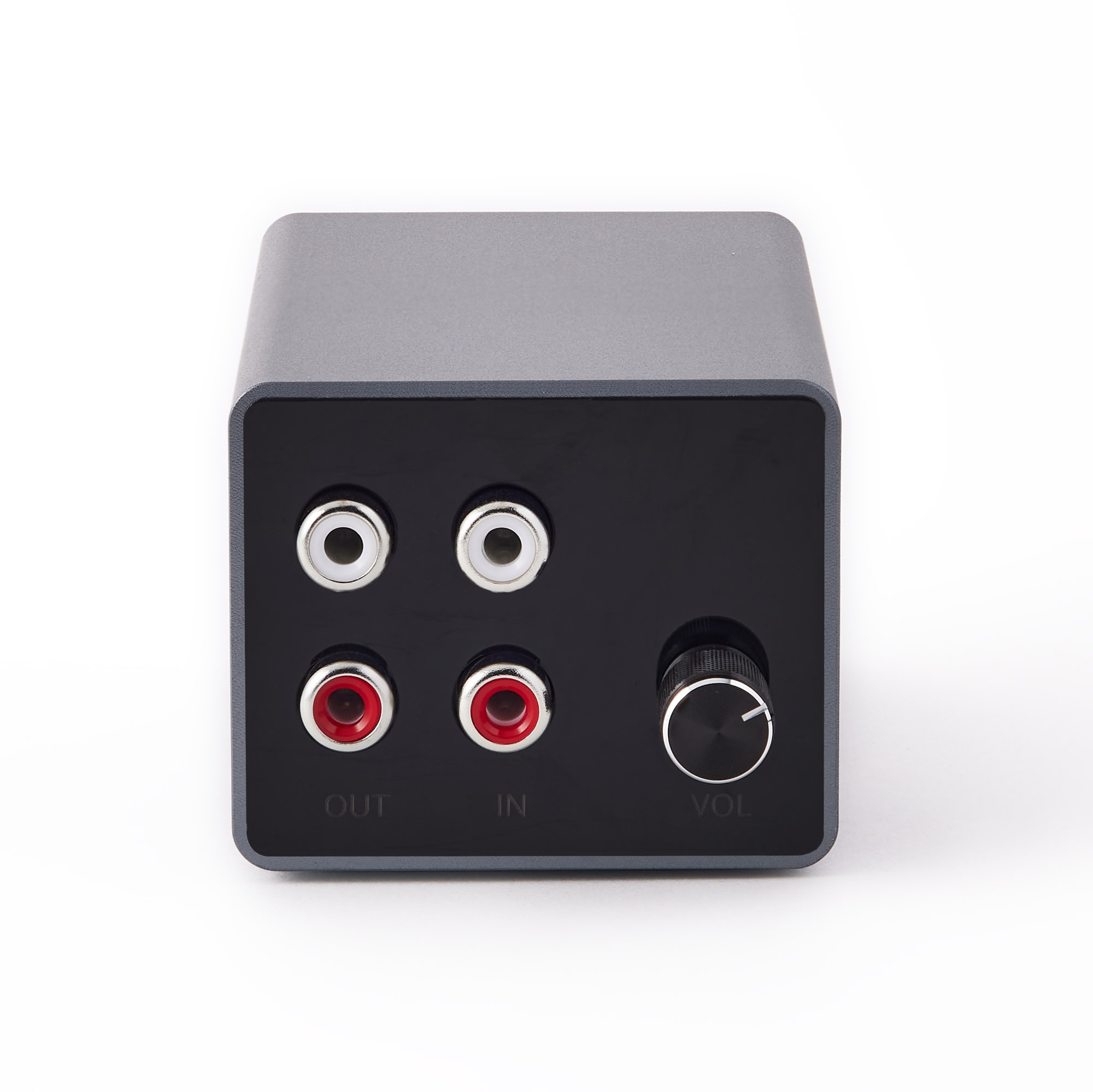
Start with a clean input
Use a line-level source connected to A2D2 IN. A turntable without a built-in preamp needs a phono preamp. If the sound is distorted, check source levels before changing network or quality settings.
Why formats differ
A2D2 offers several playback routes, and they do not all use the same stream. Direct speaker playback and playback through your phone can also take different paths. A speaker’s maximum supported sample rate or bit depth is not a guarantee of the format used throughout that path.
Higher sample rates alone do not establish audibly better playback. A good source signal and a stable connection matter too.
Why is wireless audio delayed?
Speakers and apps buffer audio to maintain continuous playback. The delay varies with the output, its grouping, the network and the app settings. There is no single guaranteed delay for every speaker system.
A2D2’s wired passthrough does not share the same wireless buffering, so wired and wireless speakers may sound out of sync in the same room.
Checking playback
Compare one speaker with your usual group and check whether interruptions also occur in the speaker’s own app. This helps separate a source or network problem from receiver buffering.
For a specific format or compatibility requirement, contact support with your chosen output and receiver model.
Was this article helpful?
That’s Great!
Thank you for your feedback
Sorry! We couldn't be helpful
Thank you for your feedback
Feedback sent
We appreciate your effort and will try to fix the article